Teleprompter for Google Meet
Read seamlessly while presenting on Google Meet. Avocado floats right in your Mac's notch, giving you the ultimate confidence to pitch without breaking eye contact.
macOS Sonoma 14+
10,000+ creators record with Avocado
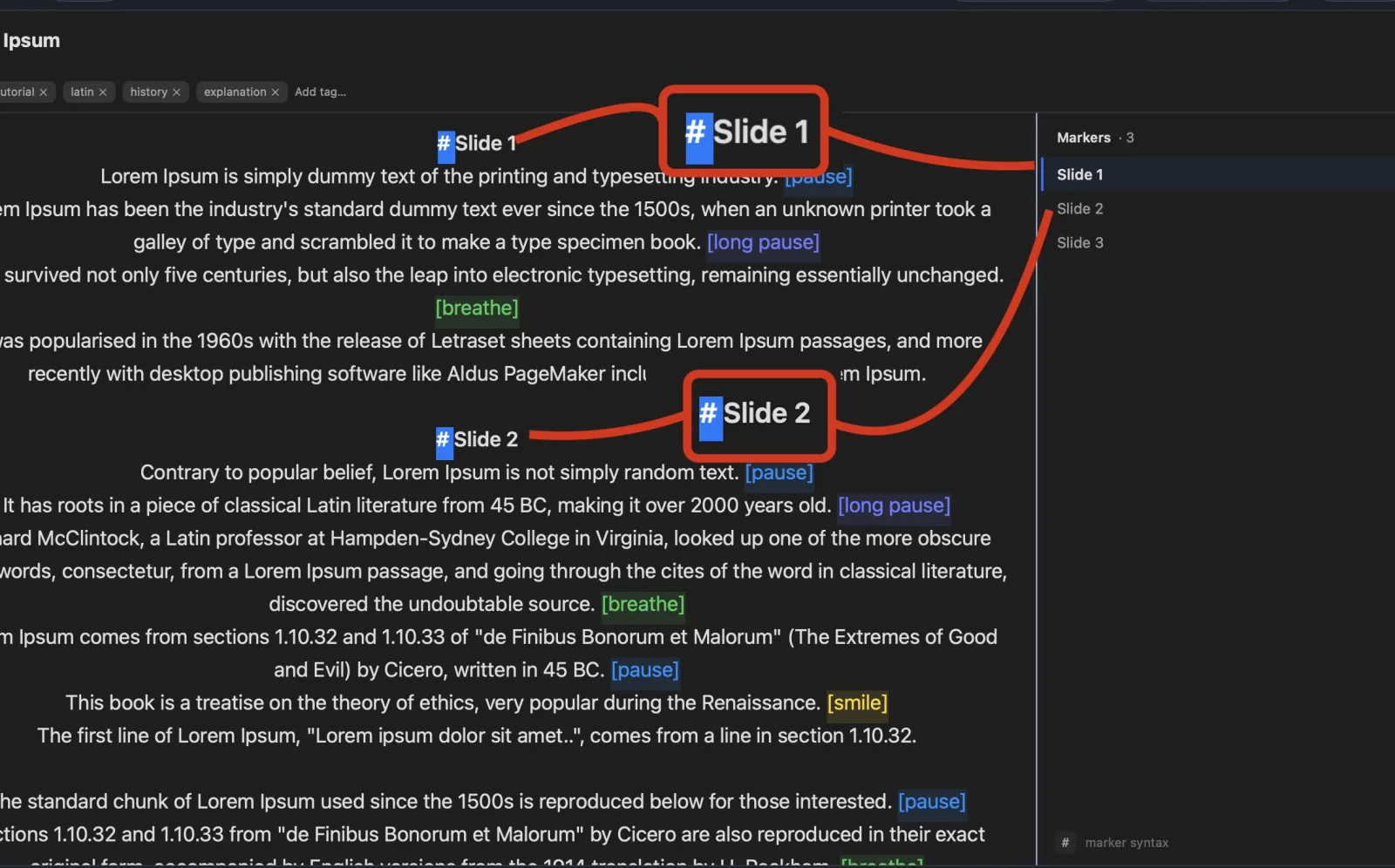
Welcome to Avocado. smile
The stealthiest teleprompter
ever created for macOS.
It remains completely invisible
when sharing your screen on Zoom. pause
Nail every presentation while
maintaining perfect eye contact. breathe
Avocado listens as you speak,
automatically scrolling text
to match your natural rhythm. pause
Start free. Go Pro when you're ready.
Customize the font, size, and color
or detach it into Floating Mode. smile
Start reading beautifully today.
Keep scrolling to see more... long pause
Welcome to Avocado. smile
The stealthiest teleprompter
ever created for macOS.
It remains completely invisible
when sharing your screen on Zoom. pause
Nail every presentation while
maintaining perfect eye contact. breathe
Avocado listens as you speak,
automatically scrolling text
to match your natural rhythm. pause
Start free. Go Pro when you're ready.
Customize the font, size, and color
or detach it into Floating Mode. smile
Start reading beautifully today.
Keep scrolling to see more... long pause
Read seamlessly while presenting on Google Meet. Avocado floats right in your Mac's notch, giving you the ultimate confidence to pitch without breaking eye contact.
macOS Sonoma 14+
10,000+ creators record with Avocado
Put your script where your eyes already are — so you look straight down the barrel of the camera.
No operator, no foot pedal — the script keeps up with your voice and waits when you stop.
Find your place instantly, stay on the active line, and let on-device AI handle the pacing.
Turn any phone, tablet, or laptop into a remote and a second screen — no app, no account.
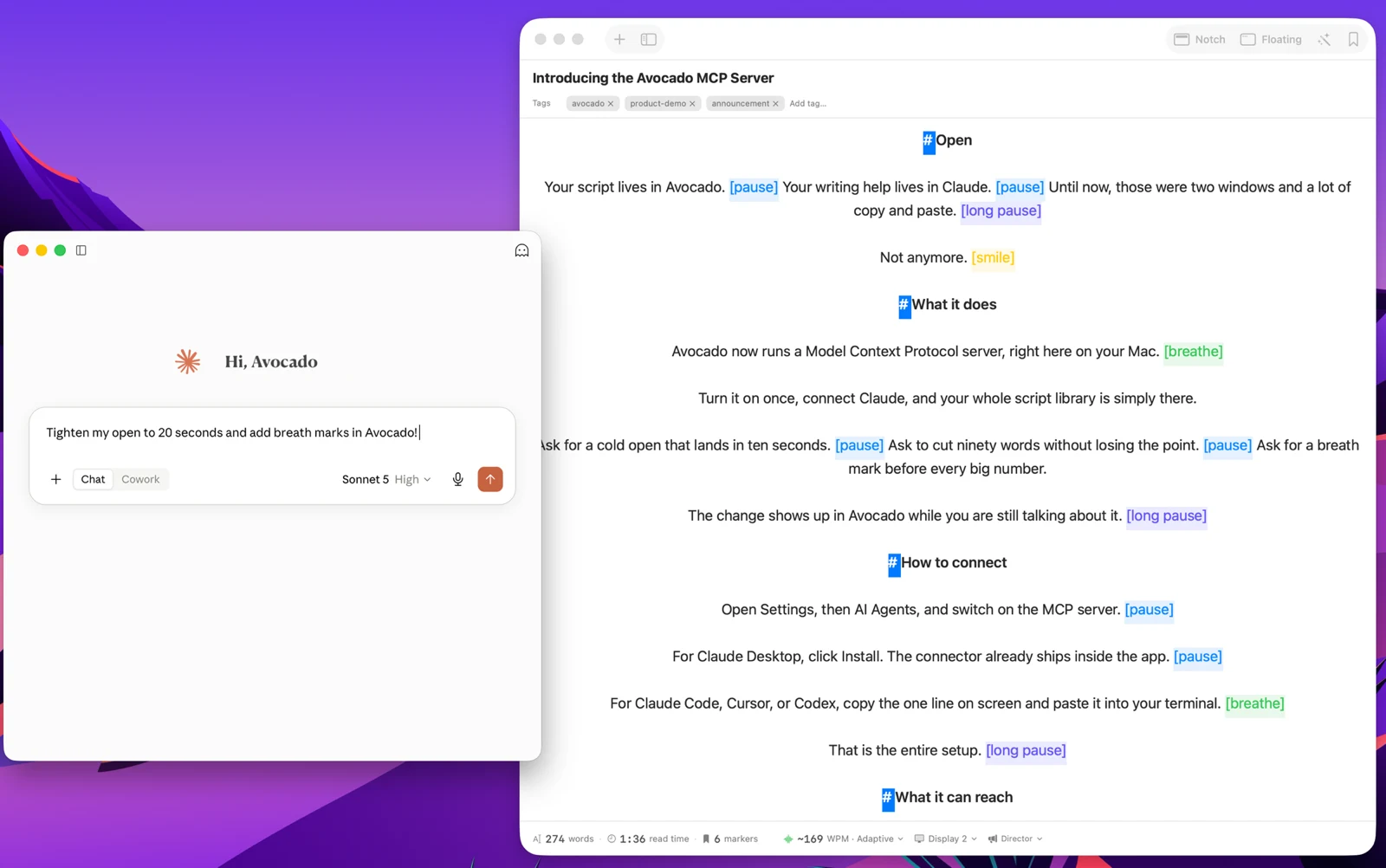
Write with the AI assistant you already use, let Apple Intelligence keep the library organized, and turn every session into a private, on-device report — only the counts are stored, never your words.
Avocado Pro
Every week, no card. Unlimited voice scrolling, AI Smart Cues, and Director Mode when you're ready to keep them.
If your company runs on Google Workspace, you spend hours every week on Google Meet. Avocado is the teleprompter built for that workflow — it docks your talking points directly under your Mac's native webcam notch, which means your eyes stay on the camera while you read. While you are sharing a Chrome tab or presenting Google Slides, Avocado remains completely invisible to anyone in the call — regardless of whether you're sharing a single tab, a specific window, or your entire screen.
Google Meet's screen capture works differently from Zoom's, but the result is the same: Avocado's window is excluded at the macOS system level and does not appear in any Meet share. You can have your full notes loaded and visible to you without any risk of them appearing in the participant view. For Google Slides presentations, this is particularly useful — run your deck in fullscreen while Avocado floats your presenter notes above the camera, where they need to be rather than in the speaker notes panel below the screen where your eyes have to travel.
The voice-activated scrolling is what makes longer Meet presentations feel natural rather than mechanical. Instead of manually controlling scroll speed or tapping a key to advance, Avocado listens to your speech and moves the text to match your pace. When you pause to answer a question, the script pauses with you. When you speed up, it follows. For weekly all-hands, client reviews, or any meeting where you're presenting prepared material, this removes the one remaining reason to break eye contact.
For teams that run recurring calls with standard agendas — sprint reviews, QBRs, customer onboarding calls — Script Markers let you save structured templates with labeled sections you can jump between based on how the conversation unfolds.