NewCaptions in Recording Studio: every word lights up as you say it, spelled from your script.

Compare · vs. NotchPrompter

Avocado vs. NotchPrompter

NotchPrompter is free, open-source and does the core job properly. This is an honest look at where an extra layer of app earns its keep — and where it doesn't.

Avocado vs. NotchPrompter, side by side.

FeatureAvocadoNotchPrompter
PricingFree · $7.99/mo · $79.99/yrFree, open source (MIT)
Notch placement Free Yes
Invisible on screen shares Free Yes
Voice-activated scrollingPro · 3 free sessions a week Yes
Adaptive speedPro · 3 free sessions a week No
Script library, tags & search Free No
Records & trims takesPro No
AI Smart Cues (Apple Intelligence)Pro No
Remote control by a second personPro No
Prompt on up to 5 devicesProMulti-monitor
Rehearsal history & coachingReceipts free · full history Pro No
Free
included in Avocado's free tier
Pro
needs Avocado Pro, $7.99/mo or $79.99/yr
No
not available

What that looks like. The part of a feature that doesn't fit in a table cell.

Adaptive Speed learns your pace as you read — no slider to chase mid-take.
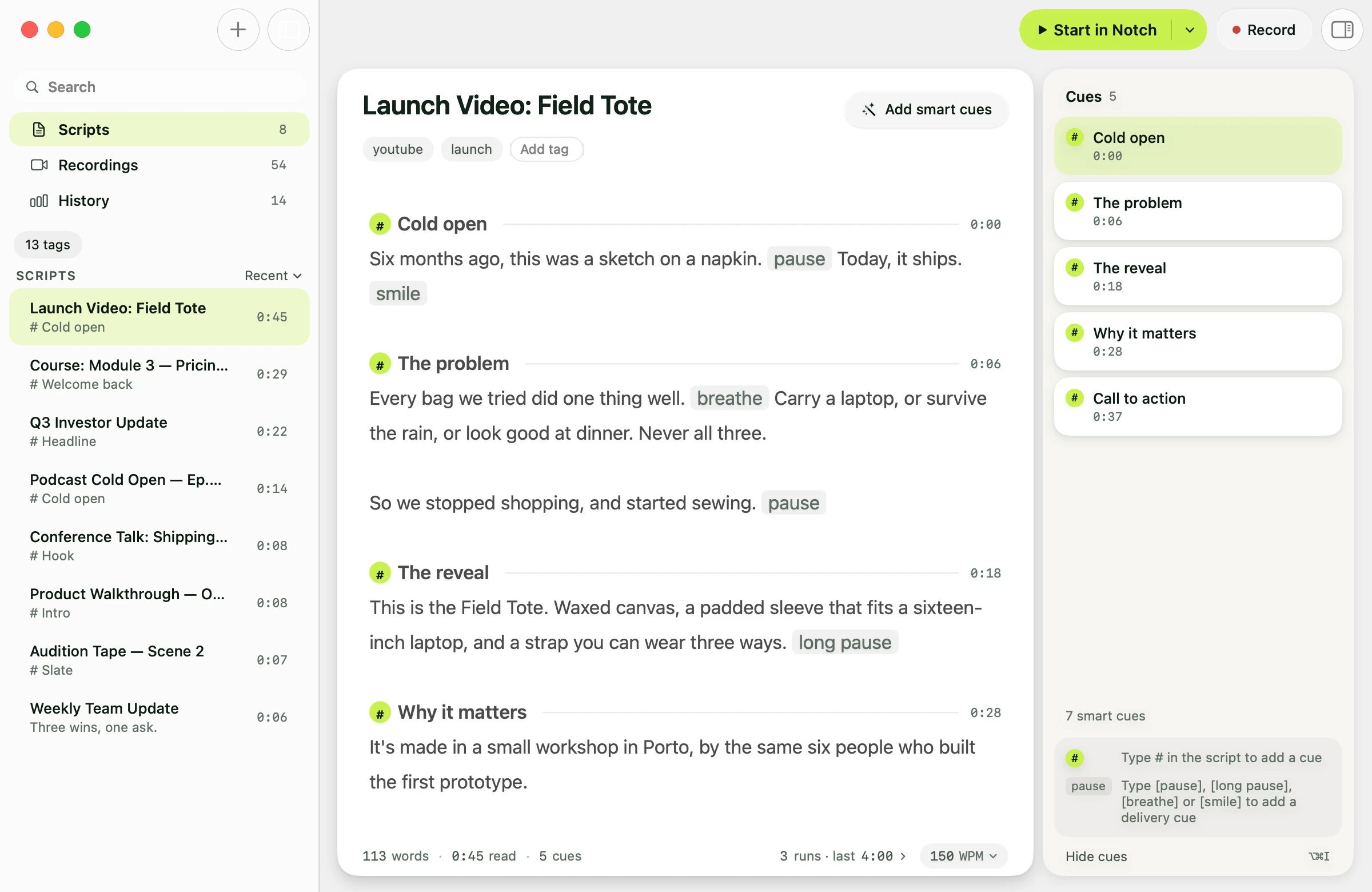
A script with pause, breathe and smile cues marked inline
Smart Cues read ahead and mark the pacing, on-device via Apple Intelligence.
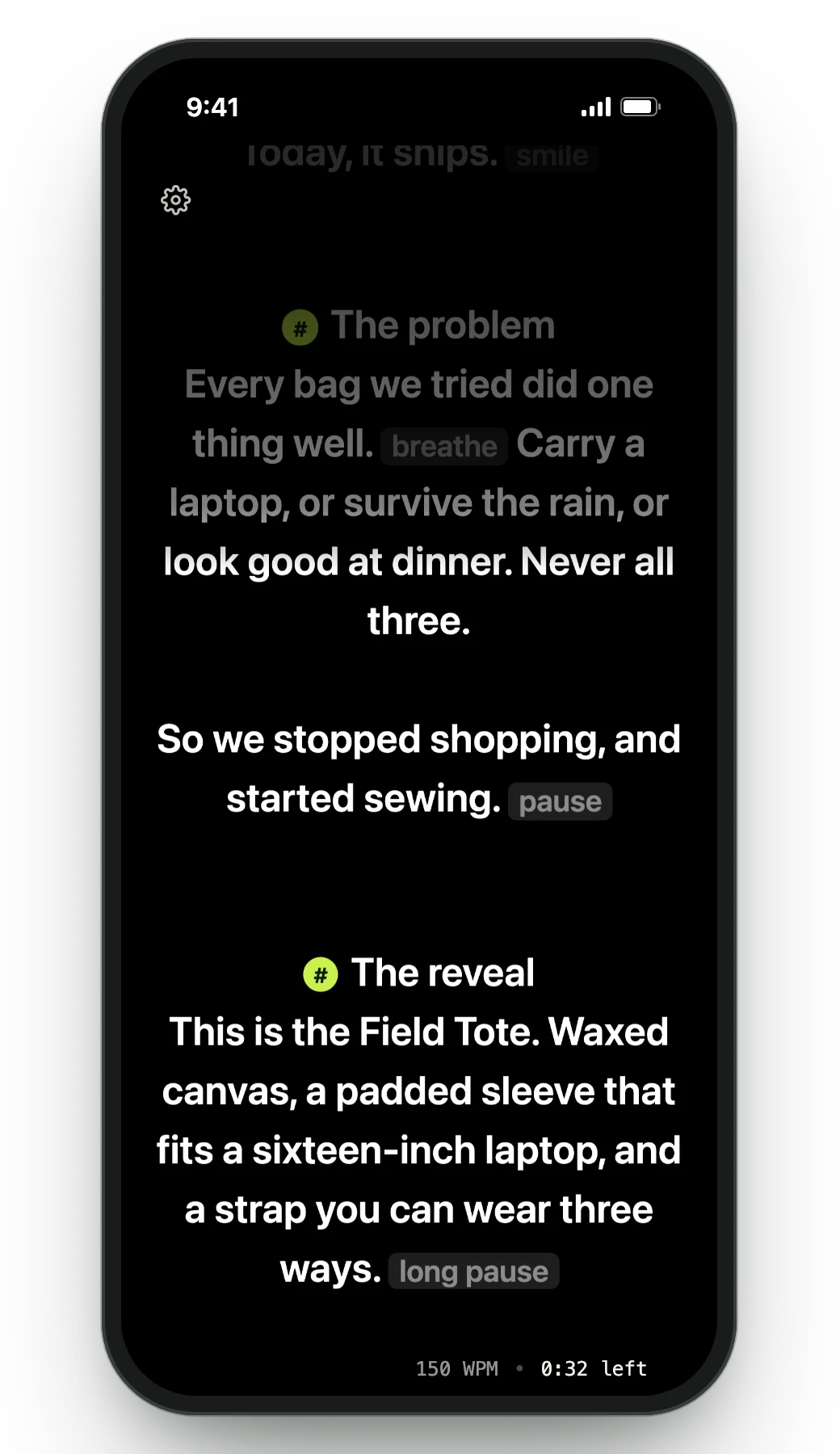
The Teleprompter Viewer on a phone, showing the script in sync with the Mac
One script on up to five devices at once, all driven by your Mac's microphone.

Why professionals choose Avocado over NotchPrompter

Word by word, at your pace

Both scroll when you speak. Avocado also learns your natural pace and adjusts as you go, and on Pro, Voice Labs follows English scripts word by word and lights up the next word you're about to say, so a glance finds your place.

The workflow around the script

PowerPoint import that creates a marker per slide, a tagged and searchable script library, and markers you can jump between mid-take. NotchPrompter is deliberately a prompter, not a script tool.

Prompting beyond your Mac

Director Mode lets someone else run the prompter from their phone on your local network. The Viewer mirrors your script to up to five devices at once through a browser. Neither exists in NotchPrompter.

Rehearsal that compounds

Session receipts, run-over-run history per script, a weekly recap and on-device Delivery Coaching — so the tenth run is measurably better than the first rather than just more familiar.

It records, captions and trims the take

NotchPrompter doesn't record. Recording Studio (Pro) films you while you read, stops at your last line, captions each word as you say it, spelled the way your script spells it, and cuts the pauses before you export.

Your AI assistant writes the script

Ask Claude, Cursor or Codex for a draft, a tighter version or a new section, and it lands in your Avocado script library, ready to read.

An honest take

When to pick NotchPrompter instead

NotchPrompter is genuinely free and open-source: if all you want is a script above your lens at zero cost, it does that job. Avocado costs nothing to start too, and the free version adds a script library, PowerPoint import, markers and session receipts. Pro is where the gap opens: voice following that lights up the next word, recording with word-by-word captions and pause cutting, AI assistants that write into your scripts, a second operator and prompting on five screens.
Frequently Asked Questions

Avocado has a permanent free tier with no card or account: unlimited constant-speed scrolling, notch and floating modes, screen-share invisibility, Focus Guide, Script Markers, PowerPoint import, plus three voice-scrolling sessions a week. NotchPrompter is entirely free and open-source with no paid tier at all. Both cost nothing to start.

Try Avocado on your next take. It's free.

Download Avocado

Free for Mac. No account, no card.

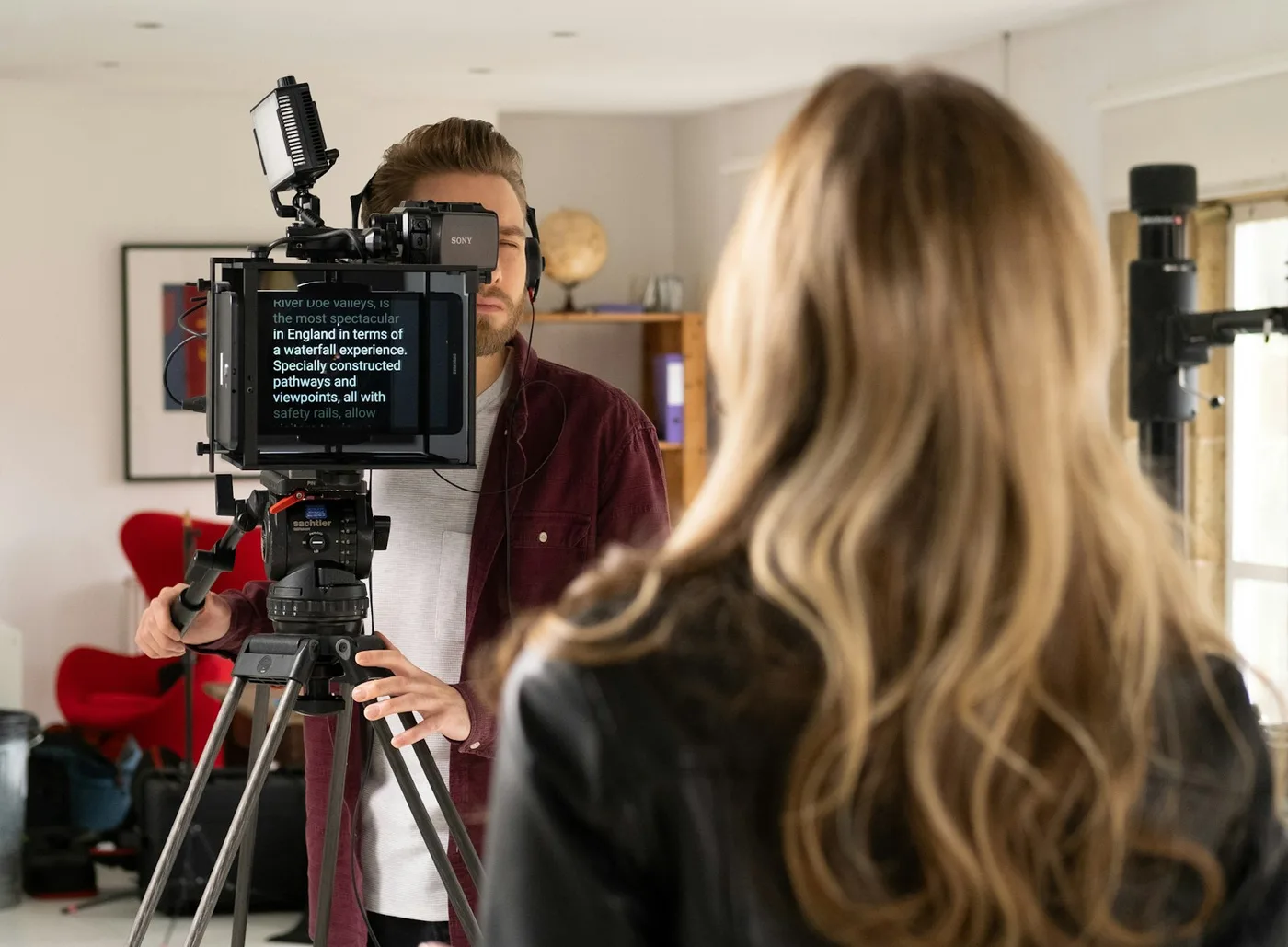
A woman reading from a teleprompter mounted on a camera while the operator films her