Avocado vs. Teleprompter Pro
Teleprompter Pro is a polished, dedicated app across Mac and iOS. The difference for on-camera work is where the script sits — and whether anyone else can see it.
| Feature | Avocado | Teleprompter Pro |
|---|---|---|
| Pricing | Free · $7.99/mo · $79.99/yr | Paid |
| Native macOS app | Free | Yes |
| Notch placement | Free | No |
| Invisible on screen shares | Free | No |
| Voice-activated scrolling | Free | No |
| Runs fully offline | Free | Yes |
| Remote control by a second person | Pro | No |
| Prompt on up to 5 devices | Pro | No |
| Rehearsal history & coaching | Free | No |
- Free
- included in Avocado's free tier
- Pro
- needs Avocado Pro, $7.99/mo or $79.99/yr
- No
- not available
What that looks like
Feature tables flatten everything into a tick. Here is the part that doesn't fit in a cell.
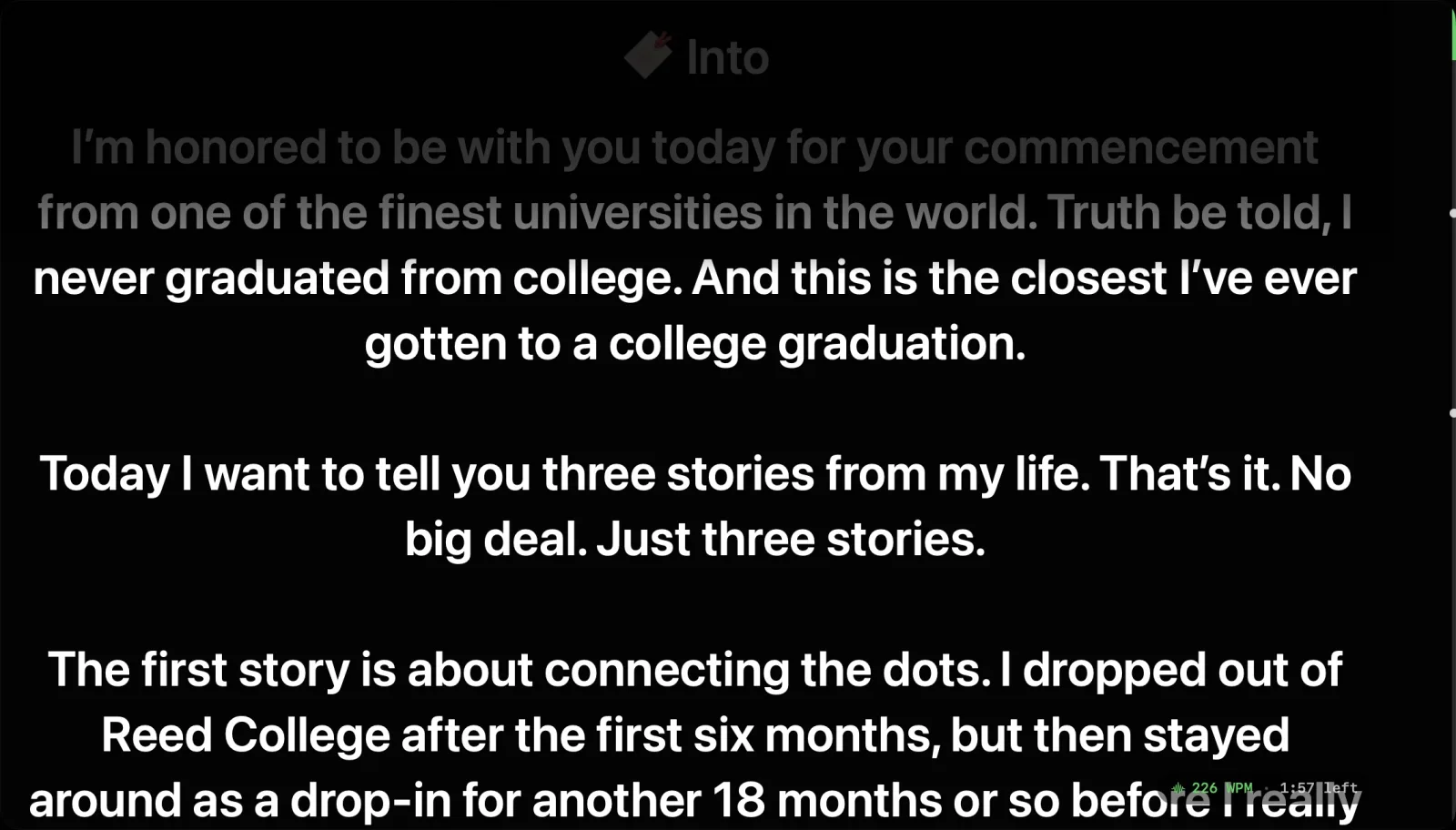
Why professionals choose Avocado over Teleprompter Pro
Above the lens, not beside it
Teleprompter Pro renders as a conventional window, so it has to be positioned outside the camera frame — usually on a second monitor. Avocado docks into the MacBook notch directly above the lens, which is what makes reading look like eye contact.
Invisible on every screen share
A standard window is captured by Zoom, Meet, Teams and OBS. Avocado is excluded from screen capture by macOS itself, so you can share your entire desktop without a second thought — and it stays out of screenshots too.
Free to start
Avocado's free tier is permanent and needs no card: unlimited words-per-minute scrolling, notch and floating modes, invisibility, Focus Guide, Script Markers and PowerPoint import.
Remote control and multi-device
Director Mode passes play, pause and markers to a second person's phone over local Wi-Fi, and the Teleprompter Viewer mirrors your script to up to five devices at once through a plain browser.
When to pick Teleprompter Pro instead
If you want one prompter across Mac and iOS and you present with a second monitor anyway, Teleprompter Pro is a well-made app. Pick Avocado if you record or present on a single MacBook, or if the prompter appearing in a screen share would be a problem.
Frequently Asked Questions
- What's the difference between Avocado and Teleprompter Pro for Mac?
- Placement and visibility. Avocado renders in the MacBook notch above the camera and is excluded from video capture at the OS level, so it's invisible on screen shares. Teleprompter Pro renders as a standard window, which screen-sharing participants can see and which has to be positioned out of the camera frame.
- Is Avocado or Teleprompter Pro better for Zoom and video calls?
- Avocado, for calls specifically — it's invisible to Zoom, Teams and Google Meet through macOS-level exclusion, and it sits in your eyeline. Teleprompter Pro is captured like any window, which usually means putting it on a second monitor and losing the eye-contact benefit.
- Does Teleprompter Pro work in the MacBook notch?
- No — it's a conventional window-based app, so it can't sit directly above the camera without taking main display space, and it can't be excluded from screen sharing the way Avocado is.
- Is Avocado free?
- There's a permanent free tier with no card or account — unlimited constant-speed scrolling, notch and floating modes, screen-share invisibility, Focus Guide, Script Markers and PowerPoint import. Pro is $7.99/mo or $79.99/yr for unlimited voice scrolling, Smart Cues, Director Mode and the multi-device Viewer.