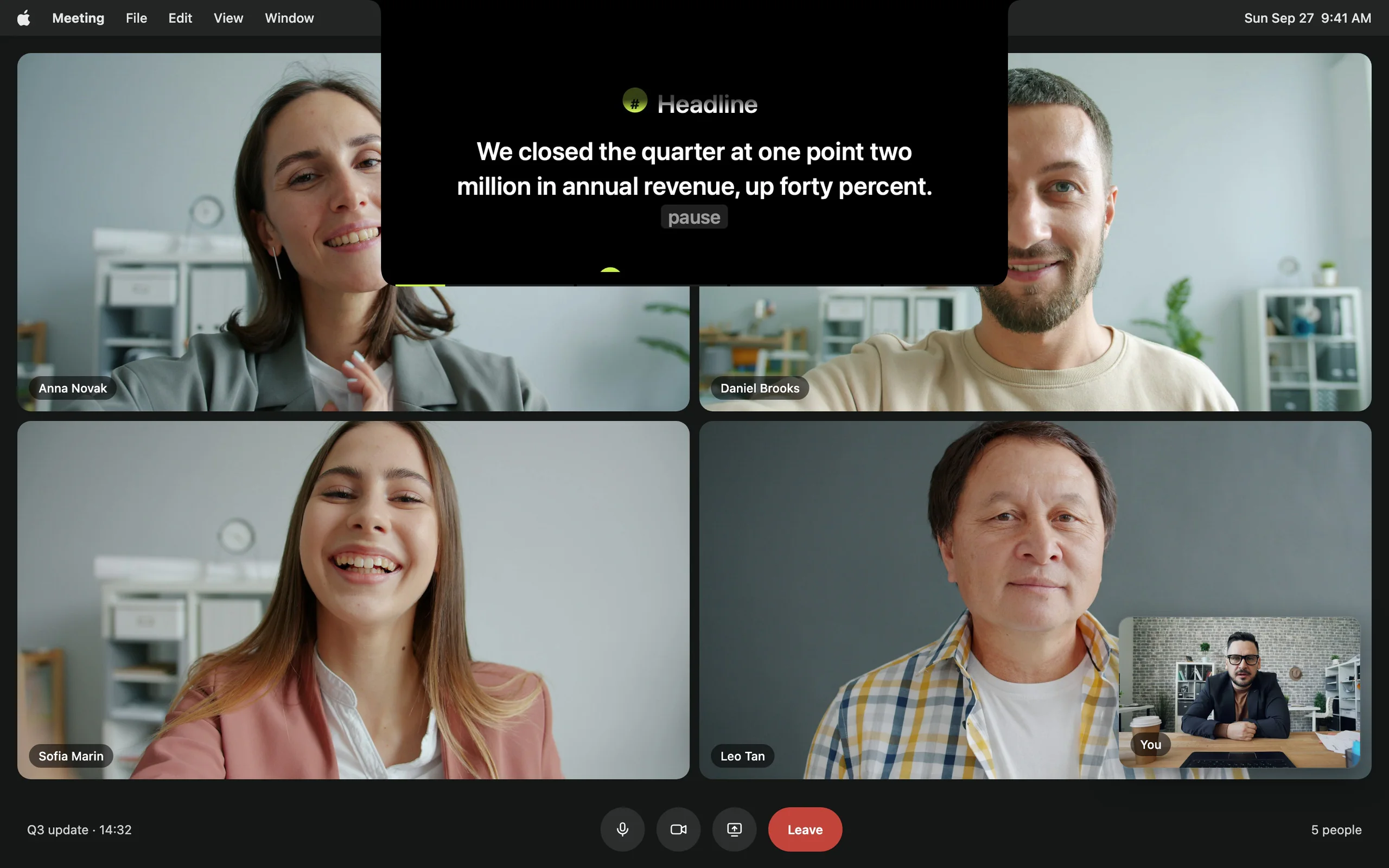
NewCaptions in Recording Studio: every word lights up as you say it, spelled from your script.

Compare · vs. Notchie

Avocado vs. Notchie

Notchie is the minimal take on notch prompting, and minimal is a real virtue. The question is whether you want only the prompter, or the workflow around it too.

Avocado vs. Notchie, side by side.

FeatureAvocadoNotchie
PricingFree · $7.99/mo · $79.99/yr$29.99 once
Usable free tierPermanent, no card No
Notch placement Free Yes
Invisible on screen shares Free Yes
Voice-activated scrollingPro · 3 free sessions a week Yes
Adaptive speedPro · 3 free sessions a week No
Records & trims takesPro No
Remote control by a second personPro No
Prompt on up to 5 devicesPro No
Rehearsal history & coachingReceipts free · full history Pro No
PowerPoint (.pptx) import Free No
Free
included in Avocado's free tier
Pro
needs Avocado Pro, $7.99/mo or $79.99/yr
No
not available

What that looks like. The part of a feature that doesn't fit in a table cell.

The notch prompter dimming the lines already read, with the live line at full strength
The Focus Guide dims what you've read, so the live line is the brightest thing on screen.
Adaptive Speed learns your pace as you read — no slider to chase mid-take.
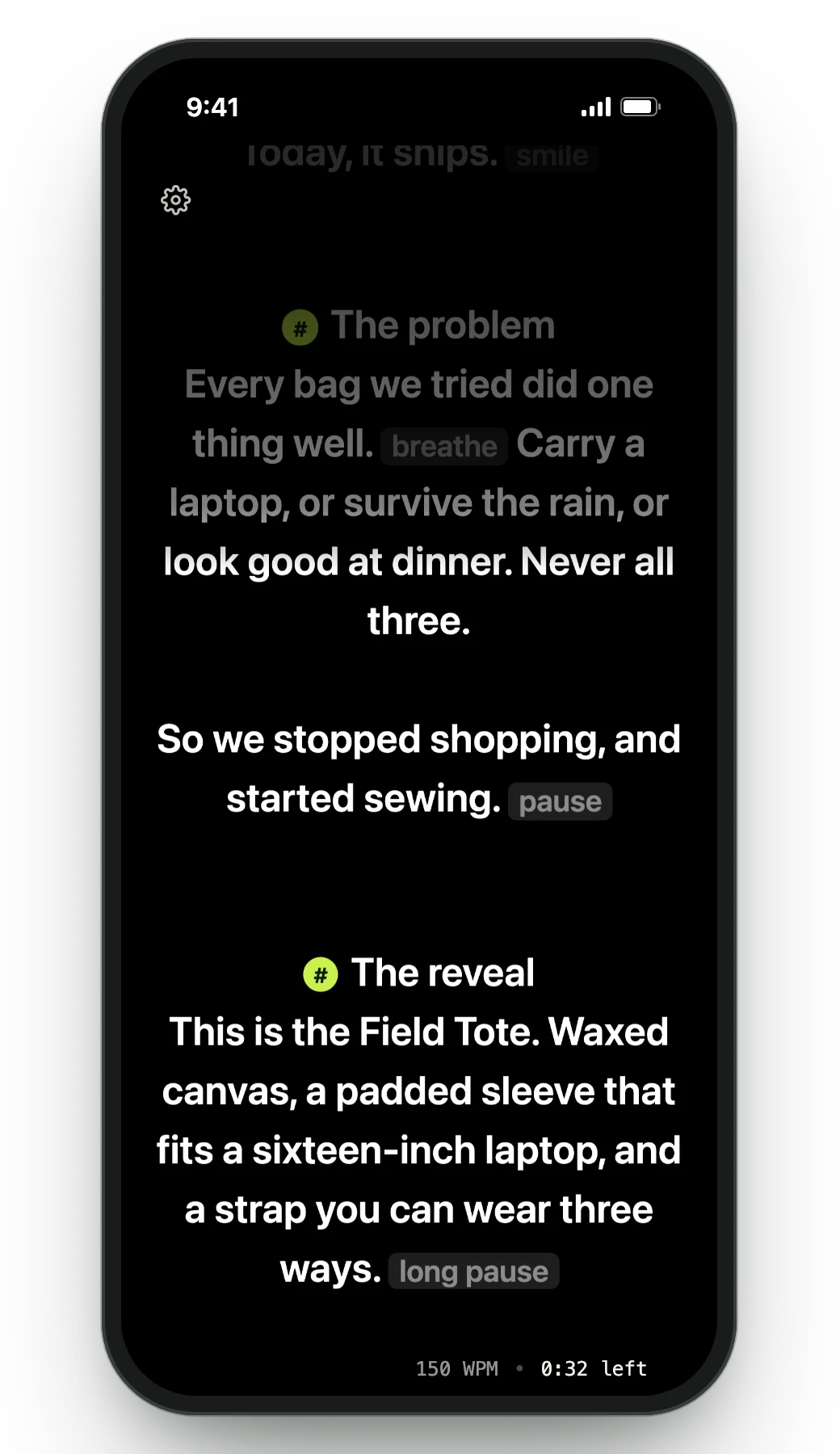
The Teleprompter Viewer on a phone, showing the script in sync with the Mac
One script on up to five devices at once, all driven by your Mac's microphone.

Why professionals choose Avocado over Notchie

Free, permanently

Notchie is $29.99 up front with no free mode. Avocado's free tier has no expiry and no card: unlimited constant-speed scrolling, notch and floating modes, screen-share invisibility, Focus Guide, Script Markers, tags and search, and PowerPoint import.
The parts you touch every session

Notchie keeps its surface deliberately small. Avocado handles the unglamorous work around the reading — importing a deck and getting a marker per slide, tagging and searching a script library, and jumping to any section mid-take.

Word by word, with the next word lit

Avocado learns your natural pace and adjusts the scroll in real time. On Pro, Voice Labs follows English scripts word by word and lights up the next word you're about to say, and Smart Cues mark where to pause, push or slow down, all on your Mac.

Prompting past one screen

Director Mode passes control to a second person's phone over local Wi-Fi. The Viewer puts the same script on up to five devices at once, in sync, with nothing to install on the other end.

It records, captions and trims the take

Notchie stops at the prompter. Recording Studio (Pro) films you while you read, stops at your last line, captions each word as you say it, spelled the way your script spells it, and cuts the pauses in a click before you export.

Your AI assistant writes the script

Ask Claude, Cursor or Codex for a draft, a tighter version or a new section, and it lands in your Avocado script library, ready to read. Notchie has nothing an outside assistant can write into.

An honest take

When to pick Notchie instead

If a clean, minimal prompter is exactly what you want and $29.99 once suits you better than a subscription, Notchie is a fair choice and the extras here will read as clutter. Pick Avocado if you want to start free, want your takes recorded and captioned in the same app, or if the job involves more than one screen.

Frequently Asked Questions

Both place your script in the notch, stay invisible on screen shares and scroll with your voice. Notchie is minimal and a one-time $29.99. Avocado is free to start and goes further: voice following that lights up the next word, adaptive speed, recording with word-by-word captions, AI assistant access, PowerPoint import, remote control and multi-device prompting, plus rehearsal history.

Try Avocado on your next take. It's free.

Download Avocado

Free for Mac. No account, no card.

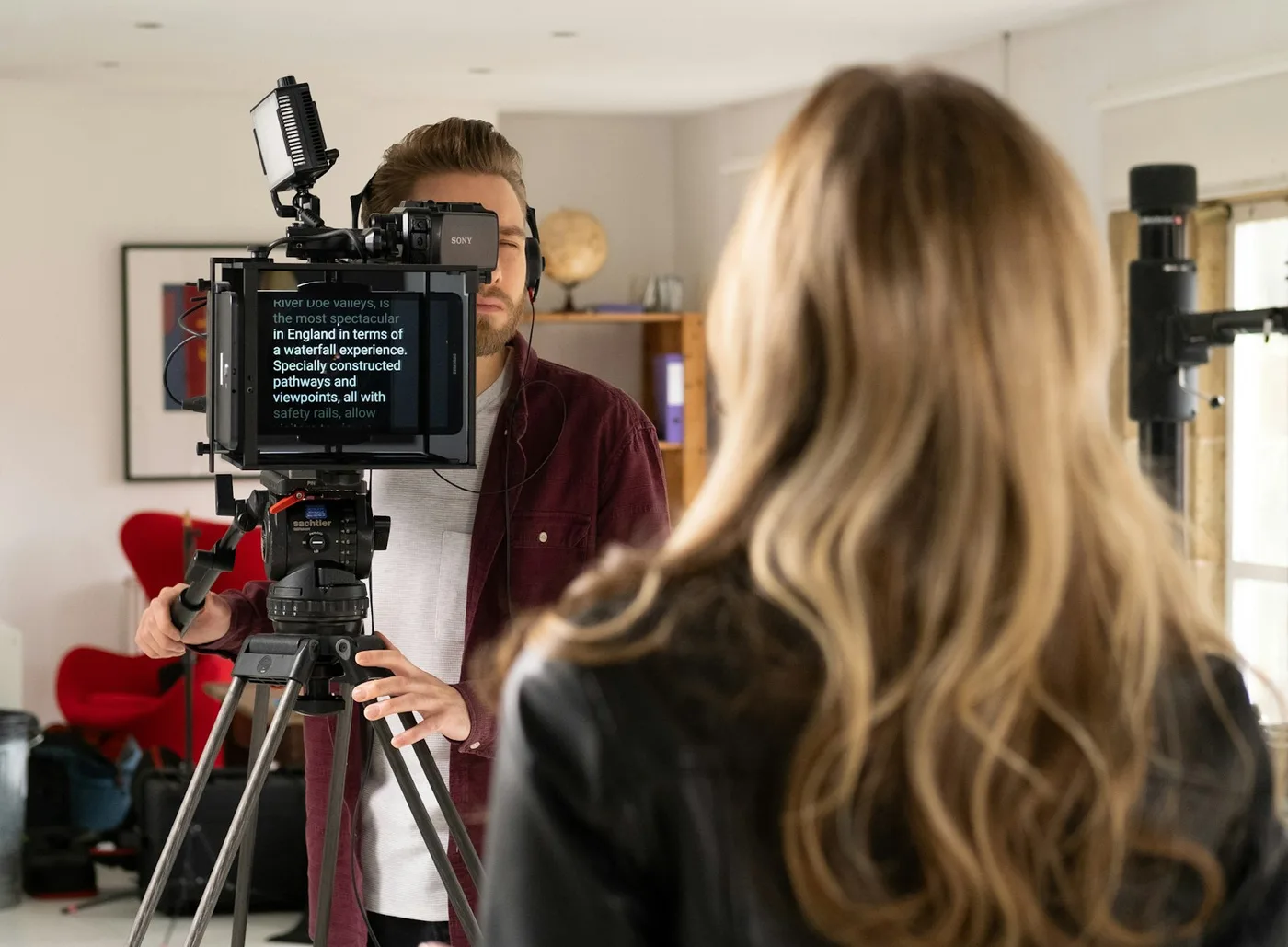
A woman reading from a teleprompter mounted on a camera while the operator films her