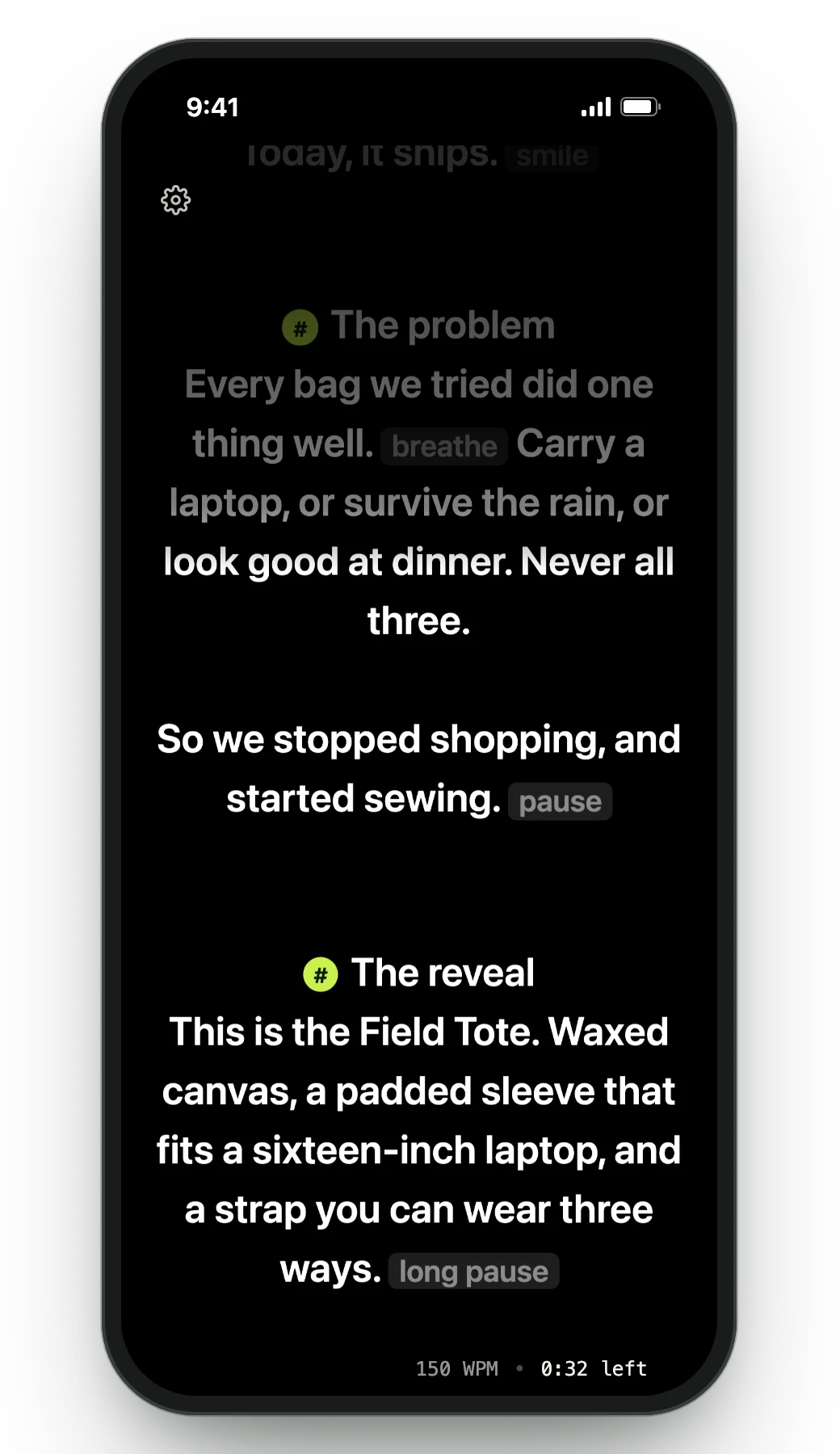
NewCaptions in Recording Studio: every word lights up as you say it, spelled from your script.

Compare · vs. CueNotch

Avocado vs. CueNotch

Both sit in the notch, both vanish from screen shares, both scroll with your voice. What separates them is what you get before paying — and what happens when the job is bigger than one person at one Mac.

Avocado vs. CueNotch, side by side.

FeatureAvocadoCueNotch
PricingFree · $7.99/mo · $79.99/yrFree · $29.99 once · $7.99/wk
Usable free tierPermanent, no card3 activations a day, 100-word scripts
Notch placement Free Yes
Invisible on screen shares Free Yes
Voice-activated scrollingPro · 3 free sessions a week Yes
Adaptive speedPro · 3 free sessions a week No
Records & trims takesPro No
Remote control by a second personPro No
Prompt on up to 5 devicesPro No
Rehearsal history & coachingReceipts free · full history ProRehearsal Coach (Pro)
PowerPoint (.pptx) import Free Yes
Free
included in Avocado's free tier
Pro
needs Avocado Pro, $7.99/mo or $79.99/yr
No
not available

What that looks like. The part of a feature that doesn't fit in a table cell.

The Teleprompter Viewer on a phone, showing the script in sync with the Mac
One script on up to five devices at once, all driven by your Mac's microphone.
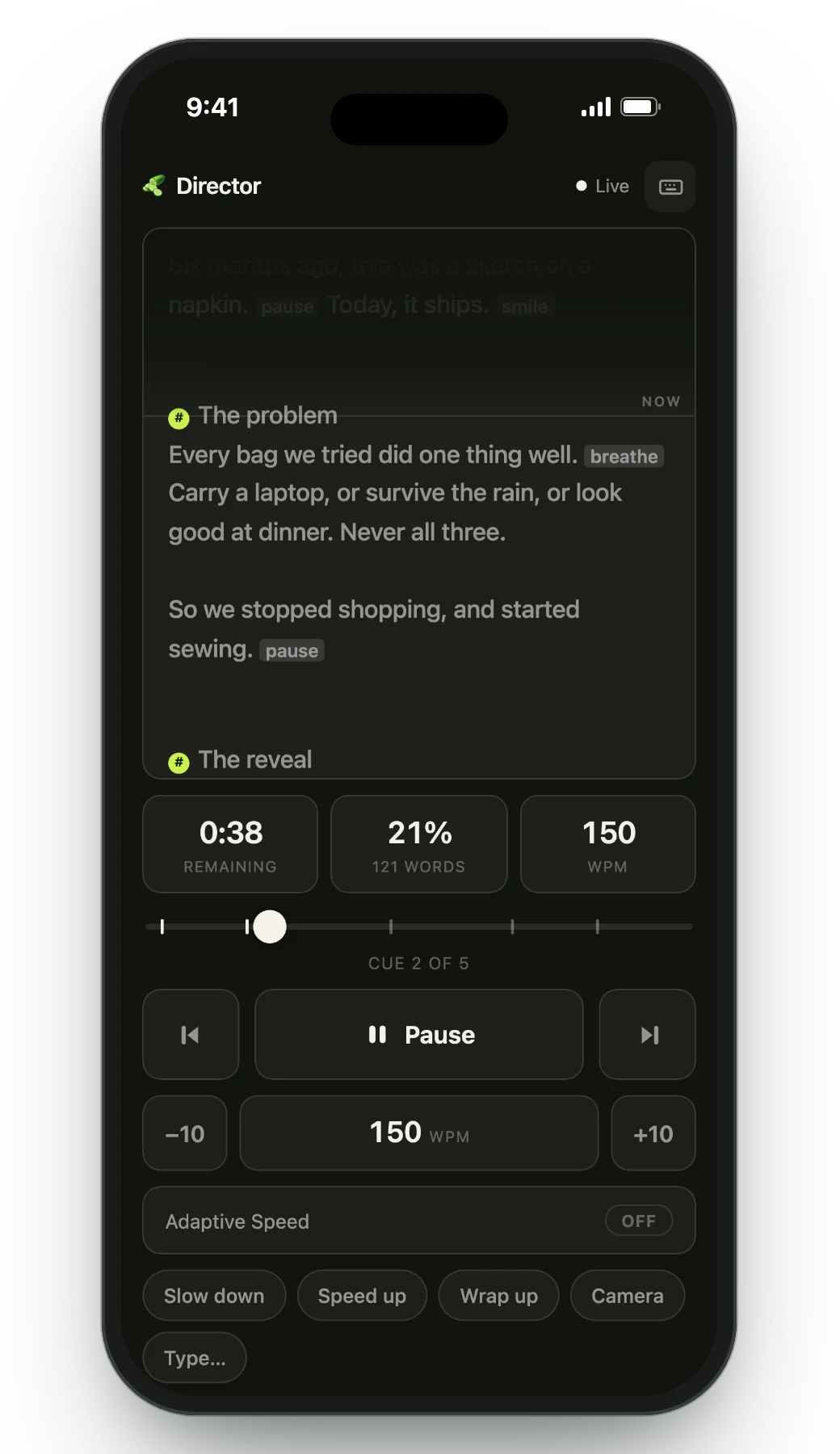
The Director remote on a phone: live script, time left, cue position and pace controls
Director Mode hands play, pause and markers to someone else's phone, over your own Wi-Fi.
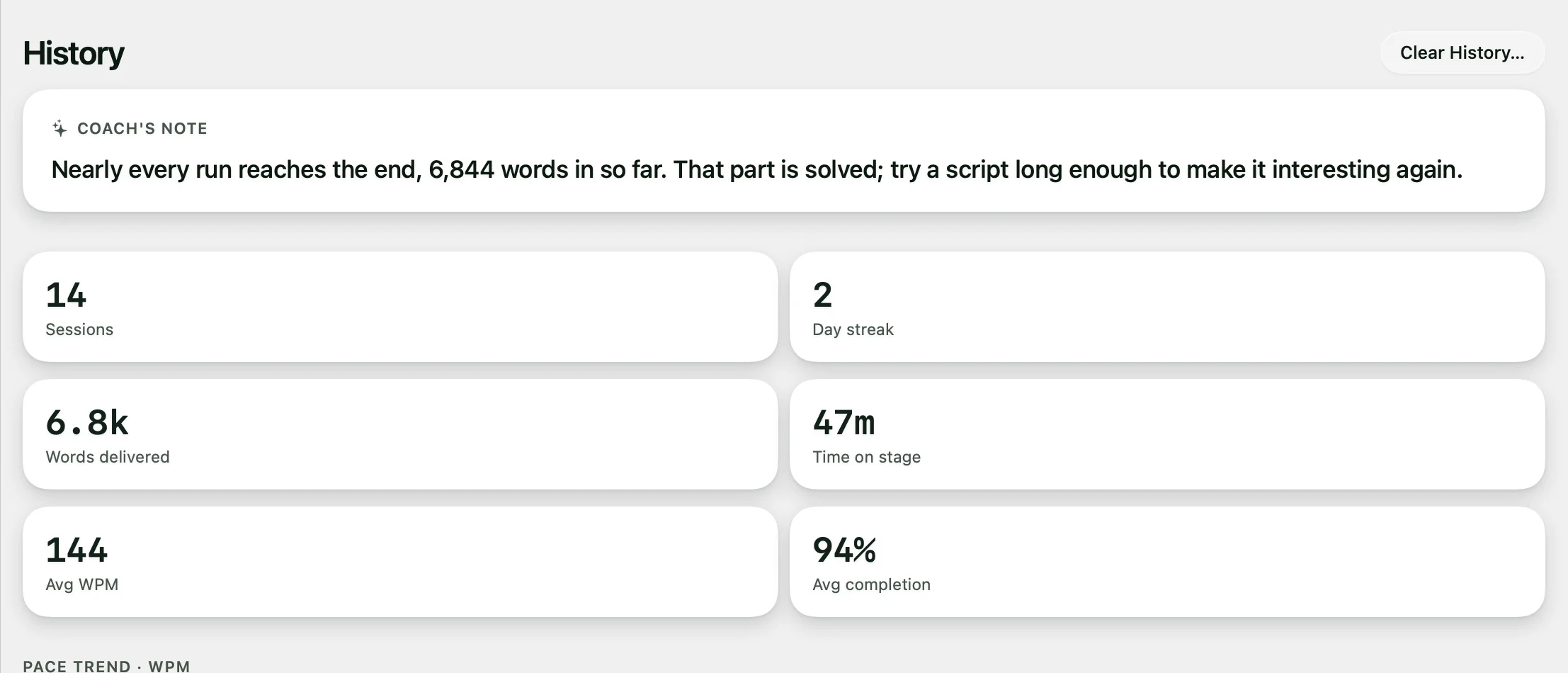
Session history: coach's note, sessions, streak, words delivered and pace
Every session ends with a report: pace, completion, and where you drifted.

Why professionals choose Avocado over CueNotch

A free tier you can actually live in

CueNotch's free tier allows 3 activations a day on scripts of up to 100 words, which is enough to try it but not to use it. Avocado's free tier has no daily cap and no length limit: the full prompter at a speed you set, notch and floating modes, screen-share invisibility, Focus Guide, Script Markers and PowerPoint import, with no card and no expiry.
It reaches past your own screen

Director Mode hands play, pause, scrubbing and markers to a producer on their own phone over your local Wi-Fi. The Teleprompter Viewer casts the same script to up to five devices at once through a plain browser. CueNotch stops at your Mac.

It records, captions and trims the take

Recording Studio (Pro) films you while the prompter runs and stops at your last line. Captions light up each word as you say it, spelled the way your script spells it, and the pauses come out in a click before you export for YouTube, Shorts or LinkedIn. CueNotch has live captions and a memorise mode, but it doesn't record.

It follows you word by word

Avocado learns your natural pace and adjusts the scroll as you speed up or slow down. On Pro, Voice Labs follows English scripts word by word with far less delay and lights up the next word you're about to say, so a glance finds your place, even after you ad-lib.

Your AI assistant writes into it

Ask Claude, Cursor or Codex for a draft, a tighter opening or a new section, and it lands in your Avocado script library, ready to read. CueNotch rewrites text inside its own app; Avocado is the one your own assistant can write into.

An honest take

When to pick CueNotch instead

CueNotch is a strong, actively developed app, and if you'd rather pay once, $29.99 works out cheaper than Avocado Pro inside about four months. Choose Avocado if you want a free tier you can use every day, want to record, caption and trim takes in the same app, want your AI assistant to write the script, or need a second screen or a second operator.

Frequently Asked Questions

They tie on the basics: both use the MacBook notch, both exclude themselves from screen capture, both scroll with your voice, and both import PowerPoint. Avocado is better if you want a usable free tier, voice following that lights up the next word, recording with word-by-word captions, AI assistant access, prompting across several devices or remote control by another person. CueNotch suits you if you prefer a one-time purchase, or want live captions and a memorise mode.

Try Avocado on your next take. It's free.

Download Avocado

Free for Mac. No account, no card.

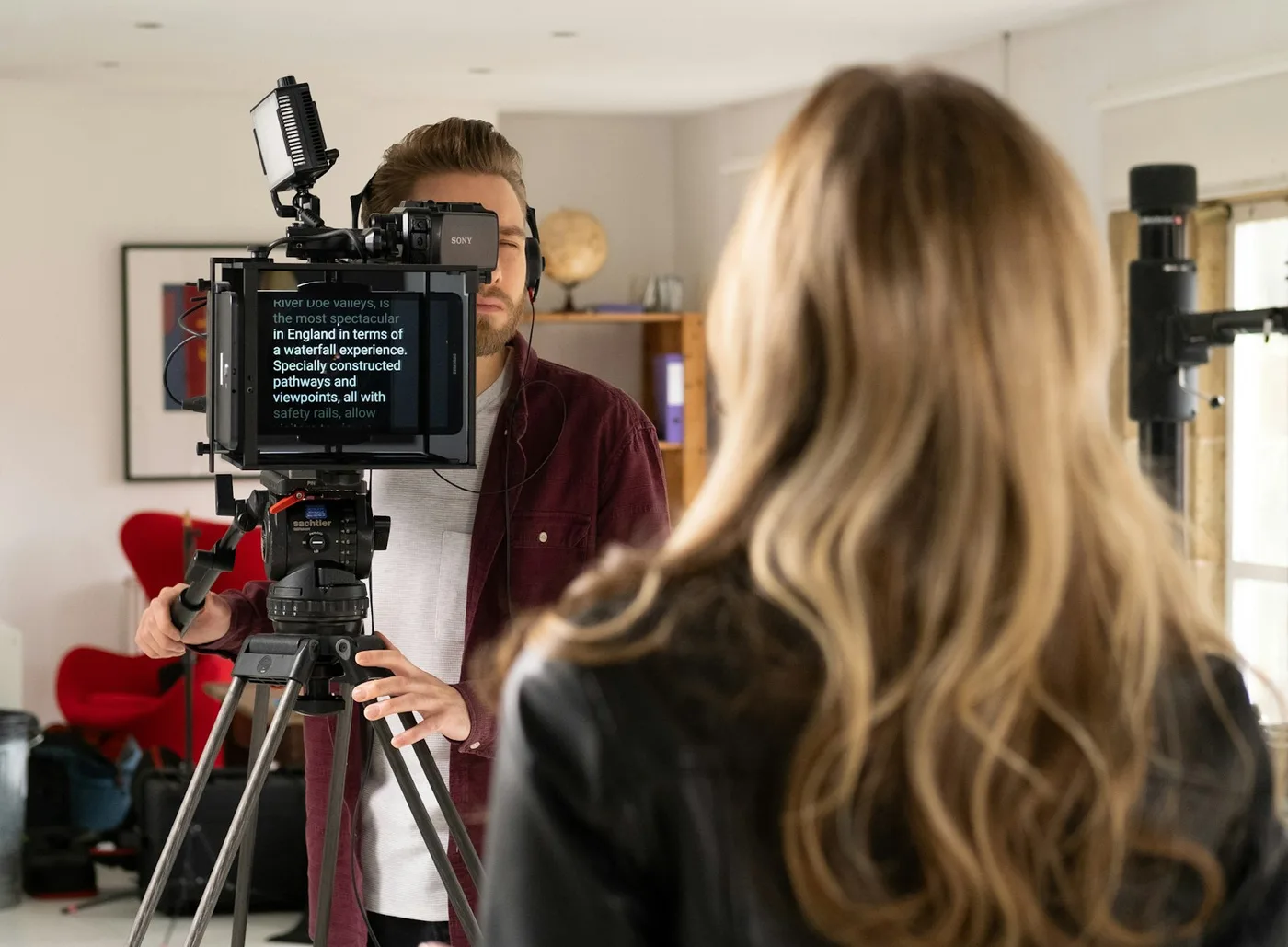
A woman reading from a teleprompter mounted on a camera while the operator films her