Teleprompter for Microsoft Teams
Acheive perfect delivery in Microsoft Teams. Avocado stays invisible to your audience while providing you with your script at perfect eye-level.
macOS Sonoma 14+
10,000+ creators record with Avocado
Welcome to Avocado. smile
The stealthiest teleprompter
ever created for macOS.
It remains completely invisible
when sharing your screen on Zoom. pause
Nail every presentation while
maintaining perfect eye contact. breathe
Avocado listens as you speak,
automatically scrolling text
to match your natural rhythm. pause
Start free. Go Pro when you're ready.
Customize the font, size, and color
or detach it into Floating Mode. smile
Start reading beautifully today.
Keep scrolling to see more... long pause
Welcome to Avocado. smile
The stealthiest teleprompter
ever created for macOS.
It remains completely invisible
when sharing your screen on Zoom. pause
Nail every presentation while
maintaining perfect eye contact. breathe
Avocado listens as you speak,
automatically scrolling text
to match your natural rhythm. pause
Start free. Go Pro when you're ready.
Customize the font, size, and color
or detach it into Floating Mode. smile
Start reading beautifully today.
Keep scrolling to see more... long pause
Acheive perfect delivery in Microsoft Teams. Avocado stays invisible to your audience while providing you with your script at perfect eye-level.
macOS Sonoma 14+
10,000+ creators record with Avocado
Put your script where your eyes already are — so you look straight down the barrel of the camera.
No operator, no foot pedal — the script keeps up with your voice and waits when you stop.
Find your place instantly, stay on the active line, and let on-device AI handle the pacing.
Turn any phone, tablet, or laptop into a remote and a second screen — no app, no account.
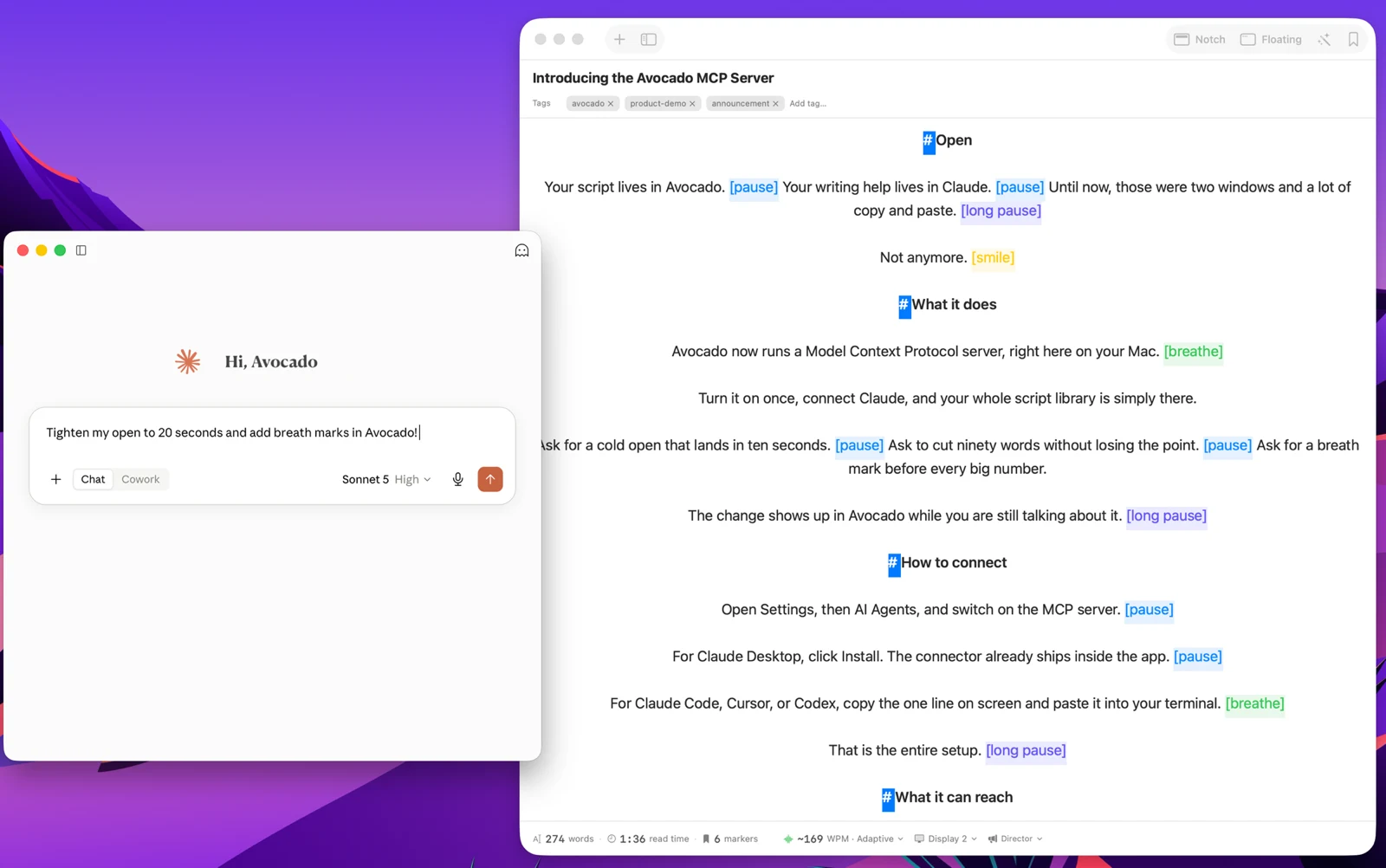
Write with the AI assistant you already use, let Apple Intelligence keep the library organized, and turn every session into a private, on-device report — only the counts are stored, never your words.
Avocado Pro
Every week, no card. Unlimited voice scrolling, AI Smart Cues, and Director Mode when you're ready to keep them.
Microsoft Teams is the default communication layer for enterprise organizations — all-hands meetings, board presentations, client briefings, compliance trainings. The stakes on these calls are higher than a casual Zoom standup, and the content is typically denser: exact figures, legal language, product roadmap details that need to be delivered precisely. Avocado acts as a streamlined Microsoft Teams teleprompter, giving you a floating window to read your scripts while Teams sees nothing but your camera feed.
Avocado's macOS architecture bypasses the same capture layer Zoom and Google Meet use. You can share your desktop, a specific application window, or a PowerPoint presentation running in fullscreen — Avocado will not appear in any of those shares. For compliance-sensitive presentations where exact phrasing matters, this removes the anxiety of accidentally exposing your script to the audience. Load your talking points, share your deck, and deliver the content exactly as written.
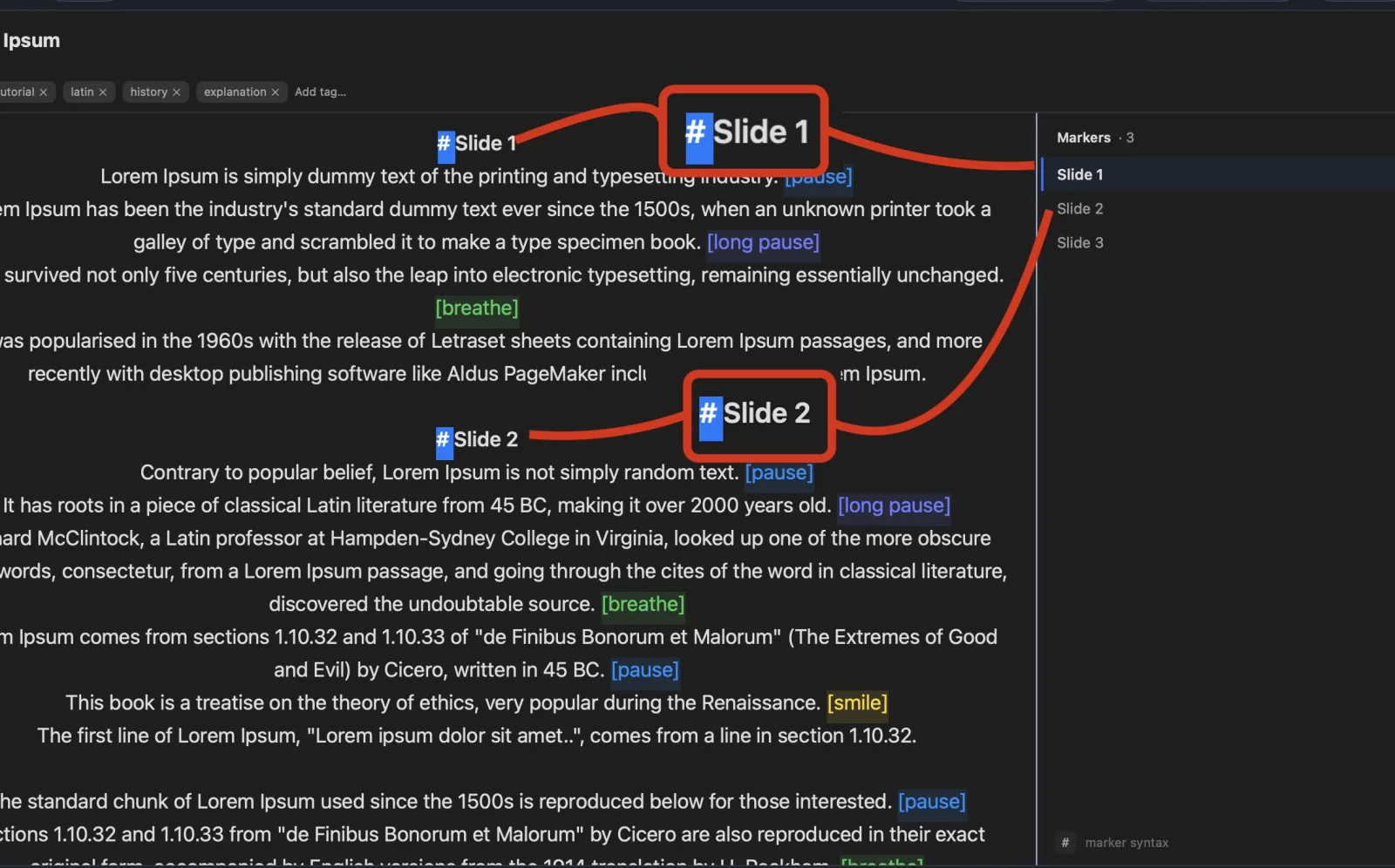
PowerPoint integration is particularly useful for Teams presentations. Drop a .pptx file into Avocado and it extracts your presenter notes automatically, creating a Script Marker for every slide. As you advance through your deck in Teams, you can jump to the corresponding section in Avocado instantly — no scrolling, no hunting for your place. The two stay synchronized without any technical integration required.
For large-format corporate broadcasts where someone else is managing the presentation logistics, voice-activated scrolling means you don't have to manage the teleprompter at all. Speak at your natural pace and the script follows. Pause for a question and it waits. The presenter's only job is to deliver the content.