Free Teleprompter App for Mac
Get started for absolutely free. Avocado gives you access to an invisible, screen-share safe teleprompter without spending a dime.
macOS Sonoma 14+
10,000+ creators record with Avocado
Welcome to Avocado. smile
The stealthiest teleprompter
ever created for macOS.
It remains completely invisible
when sharing your screen on Zoom. pause
Nail every presentation while
maintaining perfect eye contact. breathe
Avocado listens as you speak,
automatically scrolling text
to match your natural rhythm. pause
Start free. Go Pro when you're ready.
Customize the font, size, and color
or detach it into Floating Mode. smile
Start reading beautifully today.
Keep scrolling to see more... long pause
Welcome to Avocado. smile
The stealthiest teleprompter
ever created for macOS.
It remains completely invisible
when sharing your screen on Zoom. pause
Nail every presentation while
maintaining perfect eye contact. breathe
Avocado listens as you speak,
automatically scrolling text
to match your natural rhythm. pause
Start free. Go Pro when you're ready.
Customize the font, size, and color
or detach it into Floating Mode. smile
Start reading beautifully today.
Keep scrolling to see more... long pause
Get started for absolutely free. Avocado gives you access to an invisible, screen-share safe teleprompter without spending a dime.
macOS Sonoma 14+
10,000+ creators record with Avocado
Put your script where your eyes already are — so you look straight down the barrel of the camera.
No operator, no foot pedal — the script keeps up with your voice and waits when you stop.
Find your place instantly, stay on the active line, and let on-device AI handle the pacing.
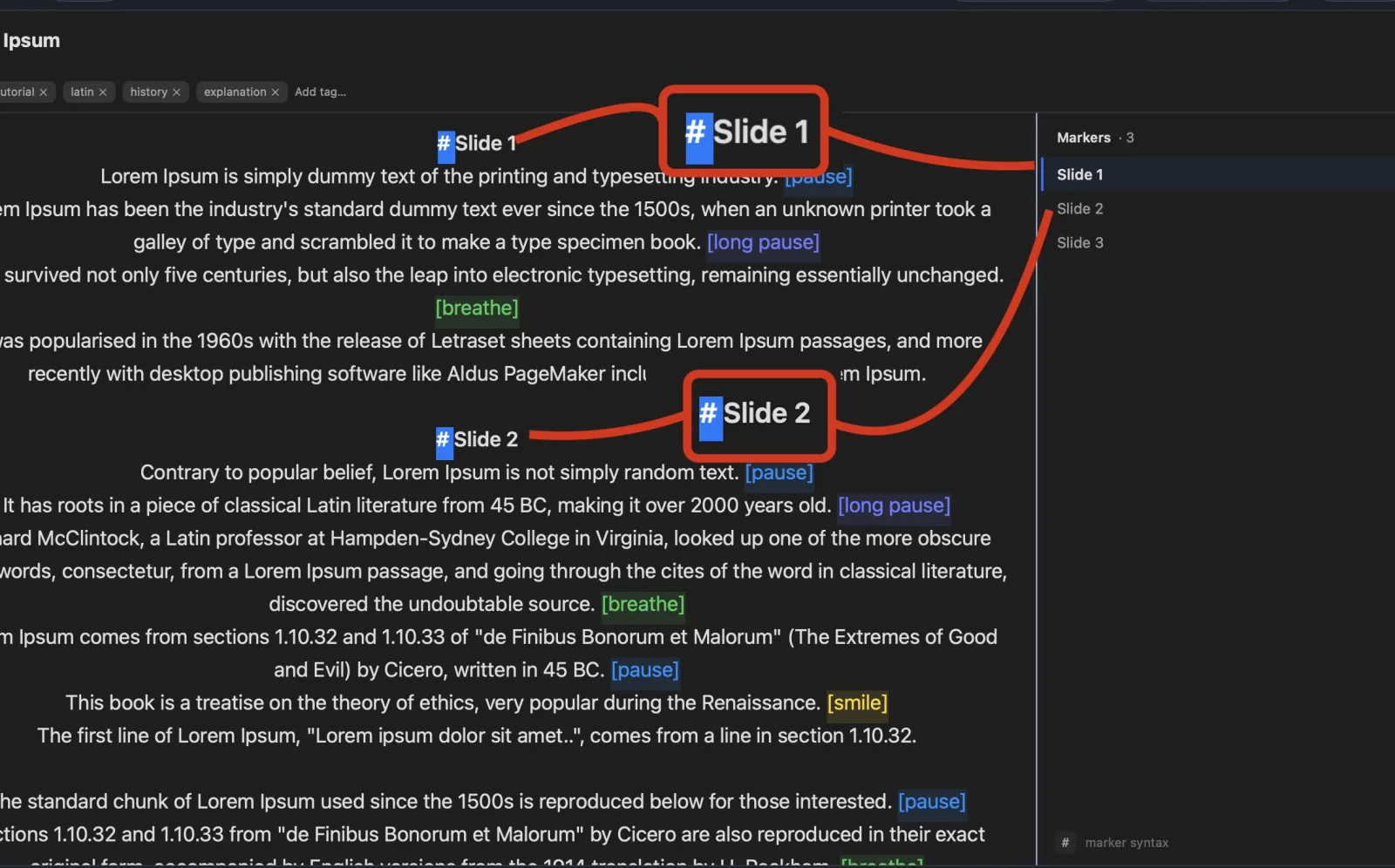
Turn any phone, tablet, or laptop into a remote and a second screen — no app, no account.
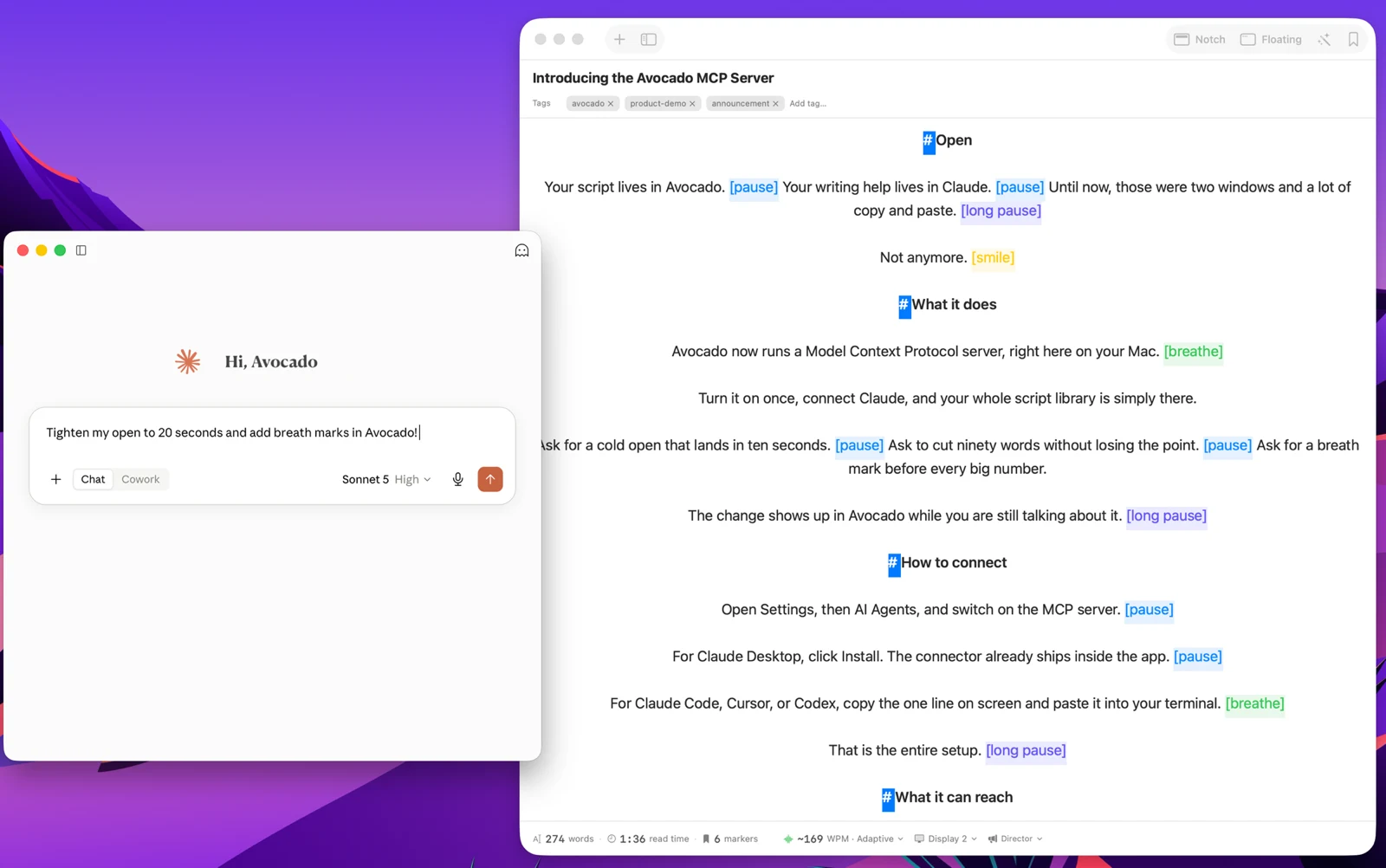
Write with the AI assistant you already use, let Apple Intelligence keep the library organized, and turn every session into a private, on-device report — only the counts are stored, never your words.
Avocado Pro
Every week, no card. Unlimited voice scrolling, AI Smart Cues, and Director Mode when you're ready to keep them.
There's no shortage of low-quality, ad-infested web teleprompters online. But when you need a reliable, professional tool, you need a native macOS application. Avocado operates an incredibly robust free teleprompter tier. With the free version, you can utilize the precise Apple Silicon Notch-docking mechanism, change text formatting entirely, utilize the scroll speeds, and access the total Screen-Share Invisibility architecture securely on your Mac. We never gatekeep privacy or basic functionality. If you're still weighing the options, here's what "free" actually gets you across every teleprompter, browser tools included. When you are ready for advanced on-device voice tracking, you can easily upgrade to Avocado Pro.