Teleprompter for Sales Professionals
Confidence closes deals. Nail your sales pitch by reading exactly what to say without your prospect ever realizing you're looking at notes.
macOS Sonoma 14+
10,000+ creators record with Avocado
Welcome to Avocado. smile
The stealthiest teleprompter
ever created for macOS.
It remains completely invisible
when sharing your screen on Zoom. pause
Nail every presentation while
maintaining perfect eye contact. breathe
Avocado listens as you speak,
automatically scrolling text
to match your natural rhythm. pause
Start free. Go Pro when you're ready.
Customize the font, size, and color
or detach it into Floating Mode. smile
Start reading beautifully today.
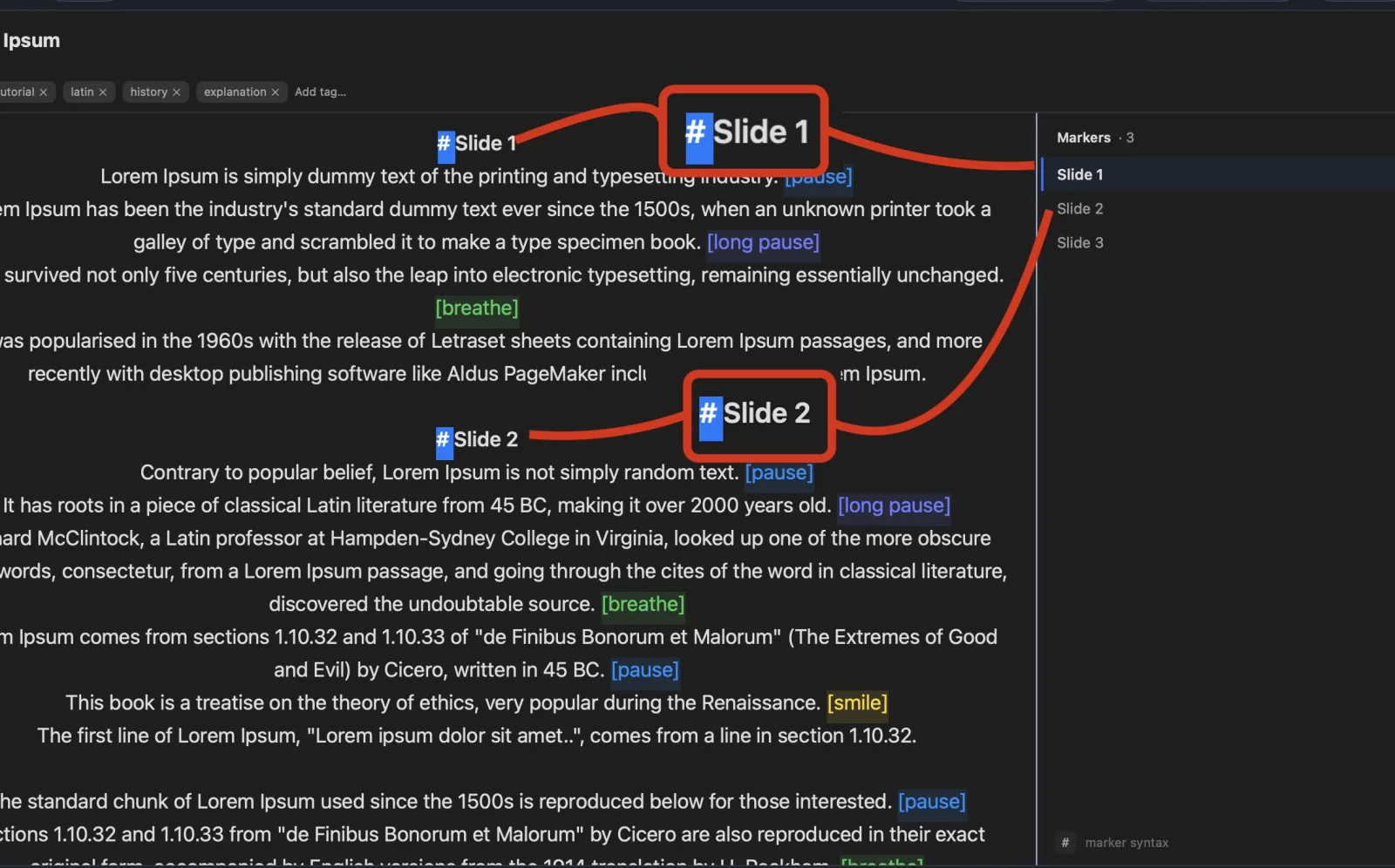
Keep scrolling to see more... long pause
Welcome to Avocado. smile
The stealthiest teleprompter
ever created for macOS.
It remains completely invisible
when sharing your screen on Zoom. pause
Nail every presentation while
maintaining perfect eye contact. breathe
Avocado listens as you speak,
automatically scrolling text
to match your natural rhythm. pause
Start free. Go Pro when you're ready.
Customize the font, size, and color
or detach it into Floating Mode. smile
Start reading beautifully today.
Keep scrolling to see more... long pause
Confidence closes deals. Nail your sales pitch by reading exactly what to say without your prospect ever realizing you're looking at notes.
macOS Sonoma 14+
10,000+ creators record with Avocado
Put your script where your eyes already are — so you look straight down the barrel of the camera.
No operator, no foot pedal — the script keeps up with your voice and waits when you stop.
Find your place instantly, stay on the active line, and let on-device AI handle the pacing.
Turn any phone, tablet, or laptop into a remote and a second screen — no app, no account.
Write with the AI assistant you already use, let Apple Intelligence keep the library organized, and turn every session into a private, on-device report — only the counts are stored, never your words.
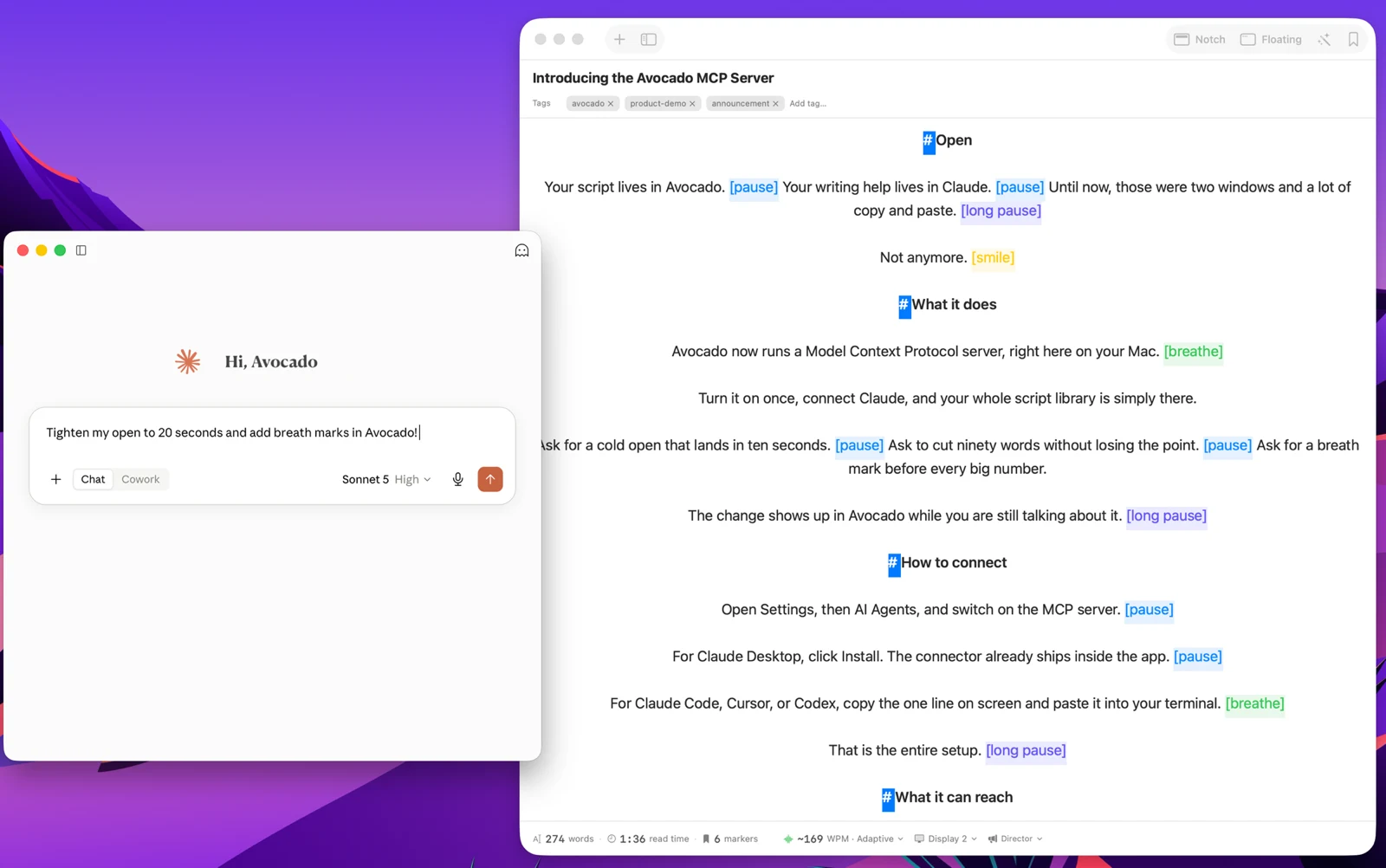
Avocado Pro
Every week, no card. Unlimited voice scrolling, AI Smart Cues, and Director Mode when you're ready to keep them.
In B2B SaaS and technical sales, remembering exact ROI pipelines, competitor feature matrices, and pricing tiers during a demo is impossible without notes. However, looking at your CRM while a client asks a question ruins the empathy of the pitch. Avocado acts as a critical teleprompter for sales professionals. You can load your discovery questions into the prompter right under the camera. You appear incredibly attentive, maintaining 100% eye contact with the prospect while effortlessly asking your MEDDIC qualification questions. Completely hidden from screen shares, they'll just assume you have an encyclopedic memory.