Teleprompter for Livestreaming
Keep your audience engaged. Avocado gives livestreamers the ability to read sponsor reads and show notes without looking away from the camera.
macOS Sonoma 14+
10,000+ creators record with Avocado
Welcome to Avocado. smile
The stealthiest teleprompter
ever created for macOS.
It remains completely invisible
when sharing your screen on Zoom. pause
Nail every presentation while
maintaining perfect eye contact. breathe
Avocado listens as you speak,
automatically scrolling text
to match your natural rhythm. pause
Start free. Go Pro when you're ready.
Customize the font, size, and color
or detach it into Floating Mode. smile
Start reading beautifully today.
Keep scrolling to see more... long pause
Welcome to Avocado. smile
The stealthiest teleprompter
ever created for macOS.
It remains completely invisible
when sharing your screen on Zoom. pause
Nail every presentation while
maintaining perfect eye contact. breathe
Avocado listens as you speak,
automatically scrolling text
to match your natural rhythm. pause
Start free. Go Pro when you're ready.
Customize the font, size, and color
or detach it into Floating Mode. smile
Start reading beautifully today.
Keep scrolling to see more... long pause
Keep your audience engaged. Avocado gives livestreamers the ability to read sponsor reads and show notes without looking away from the camera.
macOS Sonoma 14+
10,000+ creators record with Avocado
Put your script where your eyes already are — so you look straight down the barrel of the camera.
No operator, no foot pedal — the script keeps up with your voice and waits when you stop.
Find your place instantly, stay on the active line, and let on-device AI handle the pacing.
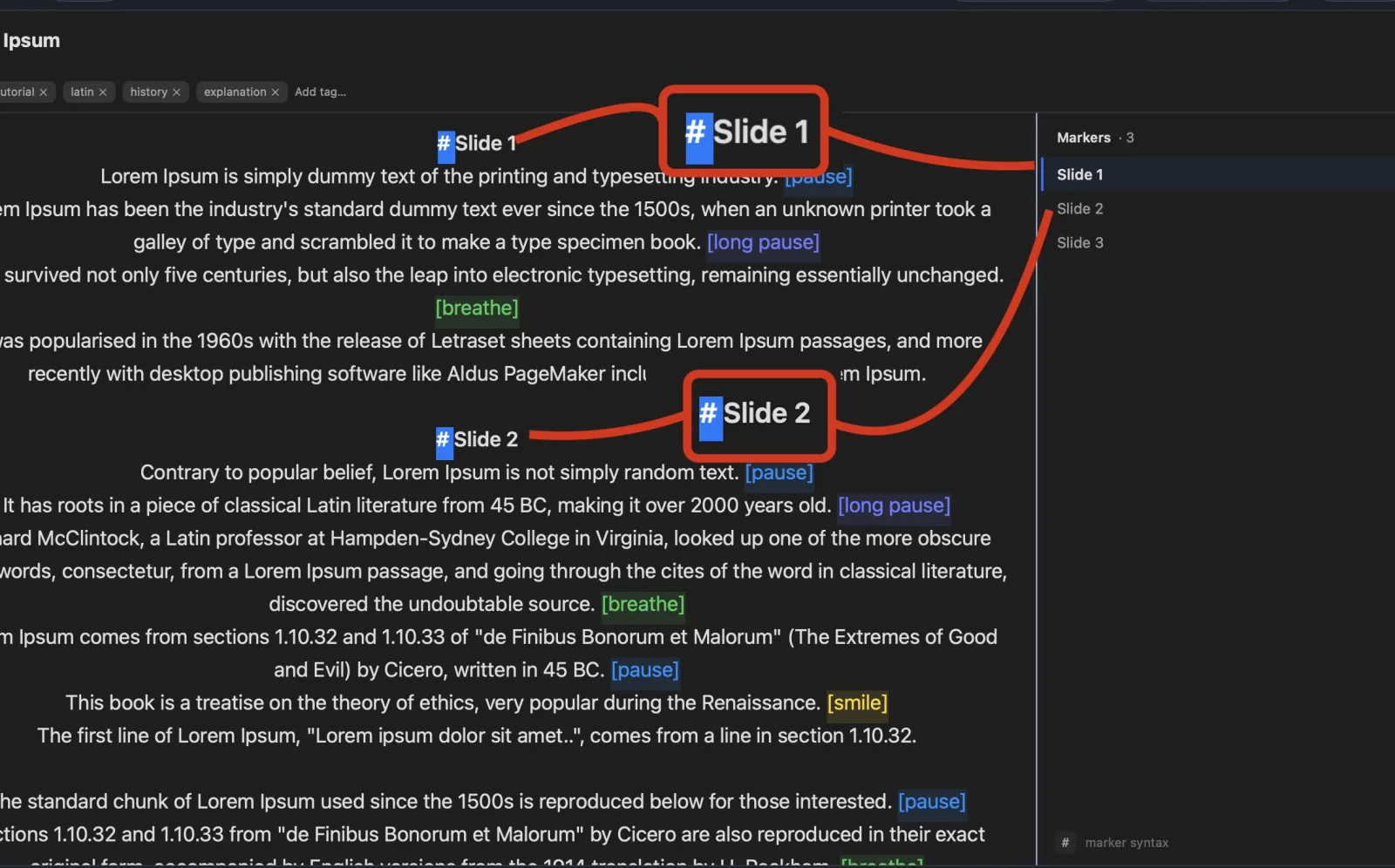
Turn any phone, tablet, or laptop into a remote and a second screen — no app, no account.
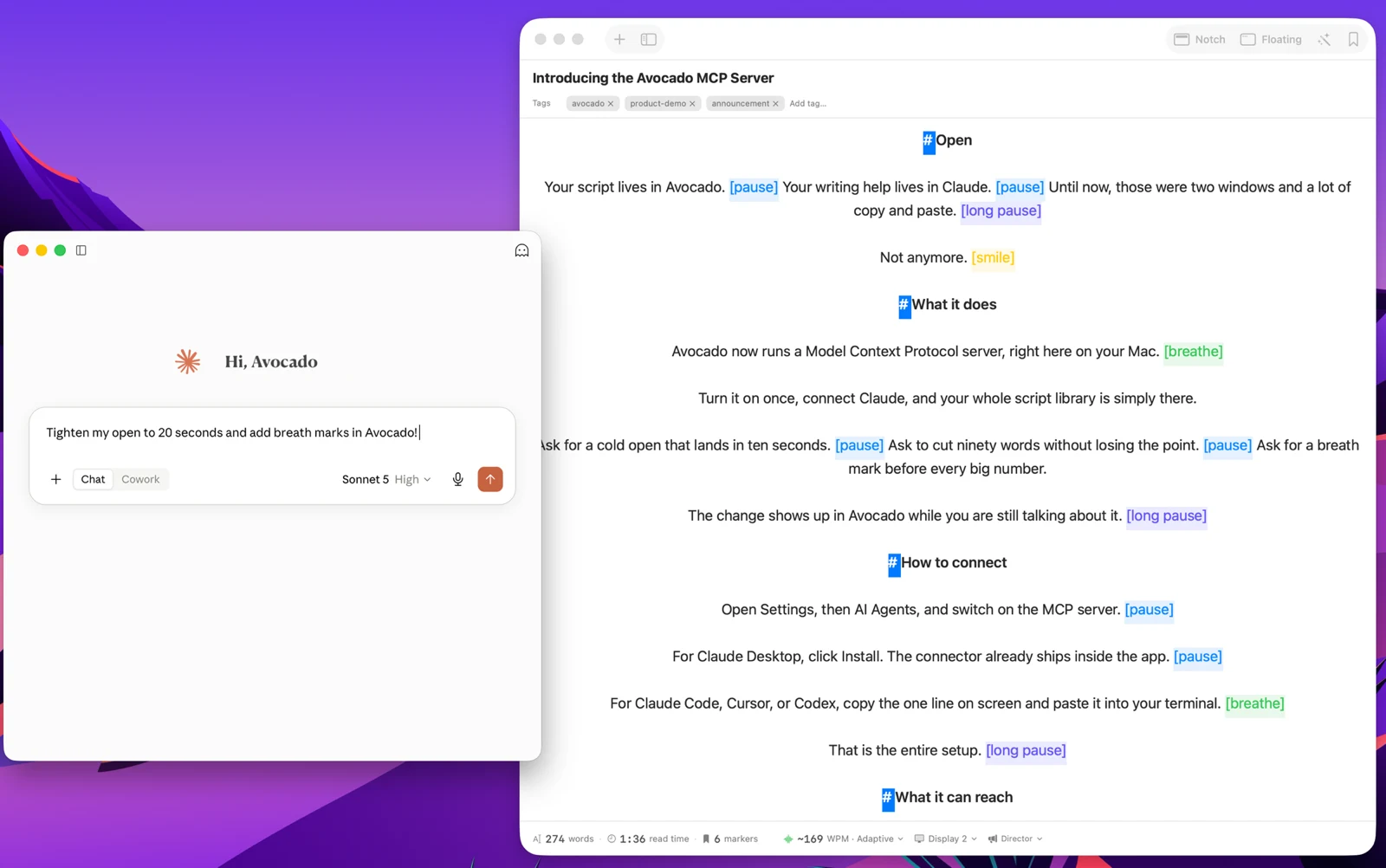
Write with the AI assistant you already use, let Apple Intelligence keep the library organized, and turn every session into a private, on-device report — only the counts are stored, never your words.
Avocado Pro
Every week, no card. Unlimited voice scrolling, AI Smart Cues, and Director Mode when you're ready to keep them.
Livestreaming on Twitch and YouTube Live demands more multitasking than almost any other type of video content. You're tracking chat, monitoring stream health, managing scene transitions in OBS, and trying to drive a compelling narrative — all at once. Reading a sponsor script or show notes on top of that usually means breaking eye contact: glancing at a secondary monitor, scrolling a doc, or looking down at printed notes. Avocado eliminates that tradeoff by placing your script directly at the camera lens, leaving your eyes exactly where your audience expects them to be.
The critical question for any streamer is whether OBS will pick up the teleprompter window. With Avocado, it won't. Avocado is excluded from stream capture at the macOS system level using the same WindowServer exclusion APIs that make it invisible on Zoom and Google Meet. Whether you're capturing a game, a browser, or your full desktop in OBS, Avocado does not appear in any capture source. Your viewers see your face and your content — nothing else.
Where this matters most in practice is sponsor reads. Sponsor segments are high-stakes: a misread of a promo code, a stumbled URL, or an awkward pause can mean a rejected deliverable or a lost partnership renewal. With Avocado's voice-activated scrolling, the script advances at exactly your speaking pace — you don't set a fixed speed and race to keep up. Speak naturally and the text follows. Slow down for emphasis and it waits. For recorded YouTube content it works the same way, and because Avocado is excluded from screen recording too, your local recording file stays clean.
Beyond sponsor reads, show notes, segment outlines, and guest interview questions all benefit from being in Avocado during a live stream. The focus guide dims already-read lines so you always know your position in the script without scanning. And because Avocado is a native macOS app that sits in your notch rather than a browser tab, it does not compete with your capture setup or add latency to your stream.